


Download icTrainer – Home Cycling Training, Interactive Resistance, Personalized Workouts, Indoor Cycling, Virtual Cycling, Training Analysis
Overview
icTrainer is a mobile application designed to transform the experience of home cycling training into a dynamic, engaging, and results-driven activity. Tailored for fitness enthusiasts who train indoors, the app addresses common challenges such as monotony, lack of motivation, and inconsistent workout tracking. By integrating interactive resistance adjustments and personalized training plans, icTrainer ensures that each session is aligned with the user’s current fitness level and goals.
The app supports both solo training and dual-user sessions, making it ideal for individuals and households seeking shared fitness experiences. Whether used in a basement, garage, or fitness club, icTrainer enhances indoor cycling by combining real-time performance feedback with immersive multimedia content. The developer, icTrainer, has focused on creating a tool that not only tracks progress but also sustains user engagement through interactive design.
This positions icTrainer as a valuable utility within the growing ecosystem of smart fitness applications. Its ability to function offline while syncing updates online adds flexibility for users across various environments. The app’s emphasis on training analysis further strengthens its role in long-term fitness development.
Key Features & Functionality
- Interactive Training Sessions: The app dynamically adjusts the resistance of your cycle trainer based on real-time performance data. This ensures that workouts remain challenging yet sustainable, adapting to the user’s effort level and fitness progression.
- Motivating Multimedia Content: Users can access a curated library of videos and music tracks designed to elevate mood and maintain focus during intense training periods. This feature helps combat mental fatigue and improves session consistency.
- Dual Cyclist Support: Two users can train simultaneously on separate trainers, each receiving customized resistance levels and training goals. This fosters a collaborative atmosphere, ideal for couples, friends, or family members training together.
- Offline and Online Accessibility: Core training functions operate without an internet connection, enabling workouts in locations with limited connectivity. New sessions are downloaded online, ensuring access to fresh content while preserving offline usability.
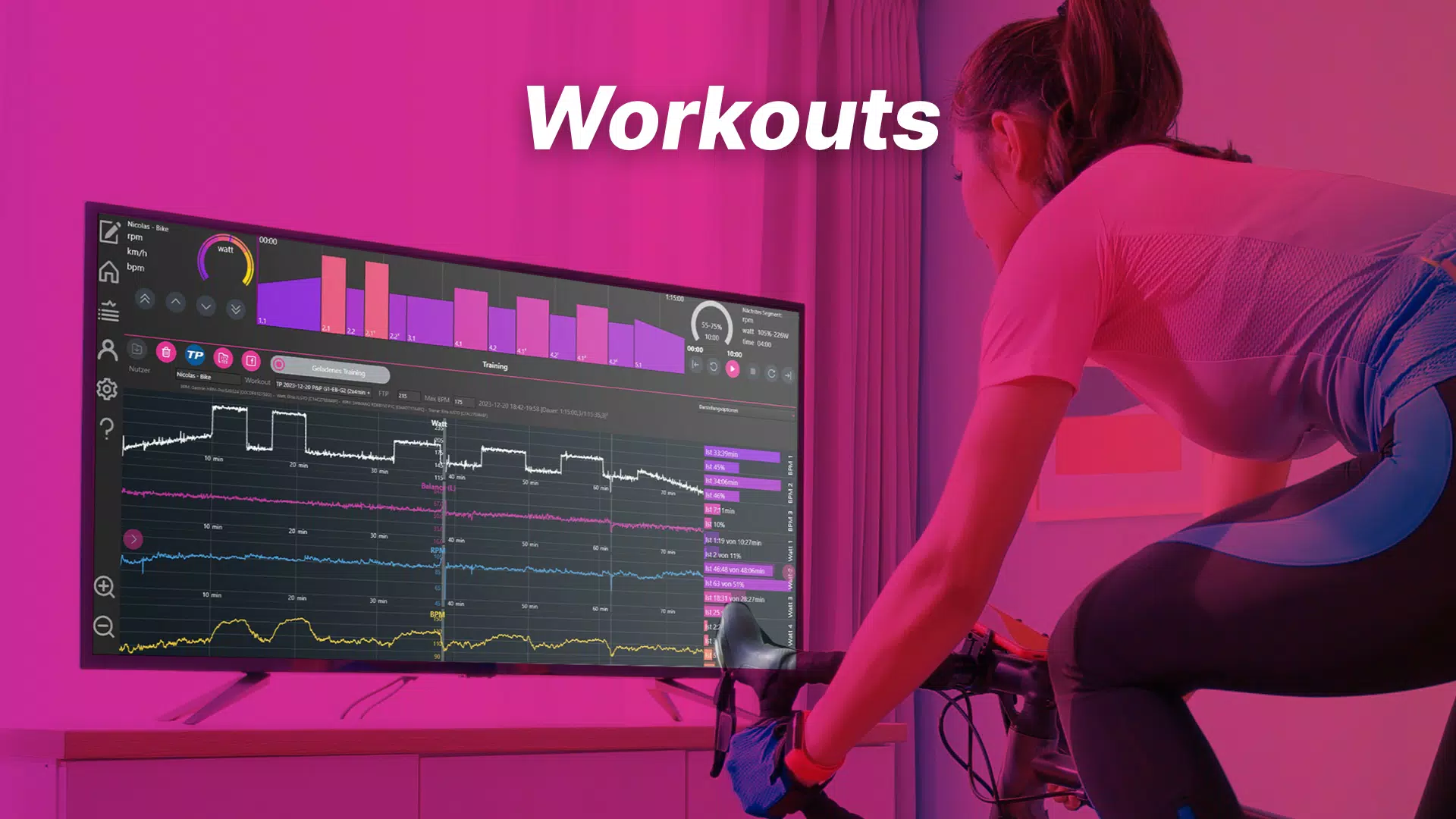
- Comprehensive Training Analysis: After each session, the app generates detailed reports on performance metrics such as power output, cadence, and duration. These insights help users evaluate progress and refine future training strategies.
For example, a user preparing for a virtual cycling event can use interactive sessions to simulate race conditions, while the training analysis helps identify performance gaps. A family training together can benefit from dual support, with each member receiving tailored resistance levels. The multimedia integration makes long rides more enjoyable, turning routine sessions into immersive experiences.
Interface, UX & Performance
The user interface of icTrainer is designed with clarity and ease of navigation in mind. The layout emphasizes real-time feedback, with intuitive dashboards displaying key metrics such as resistance level, heart rate (if paired), and session duration. Visual cues and smooth transitions support seamless interaction across different screens.
Navigation is straightforward, allowing users to quickly switch between training modes, access multimedia, and review past sessions. The app maintains responsiveness across a range of Android devices, although specific performance benchmarks were not disclosed. Although the developer did not list formal performance metrics, the app’s lightweight size of 23.5 MB suggests efficient resource usage.
Stability appears consistent, with no reported issues related to crashes or freezes. The app functions smoothly during both online and offline sessions, indicating optimized background processes. Users can expect minimal lag when adjusting resistance or switching content, contributing to an uninterrupted training flow.
Overall, the UX prioritizes functionality without sacrificing visual appeal, aligning with modern standards for fitness applications.
Platform Compatibility & Technical Requirements
icTrainer is available exclusively on the Android platform. The current version is 1.1.0, with a file size of 23.5 MB, indicating a compact and efficient installation. The developer did not specify minimum OS requirements or device compatibility details.
As such, users are advised to ensure their Android device meets general standards for running modern fitness applications. Compatibility with older Android versions cannot be confirmed. The app’s lightweight footprint suggests it may run on a wide range of devices, including entry-level smartphones and tablets.
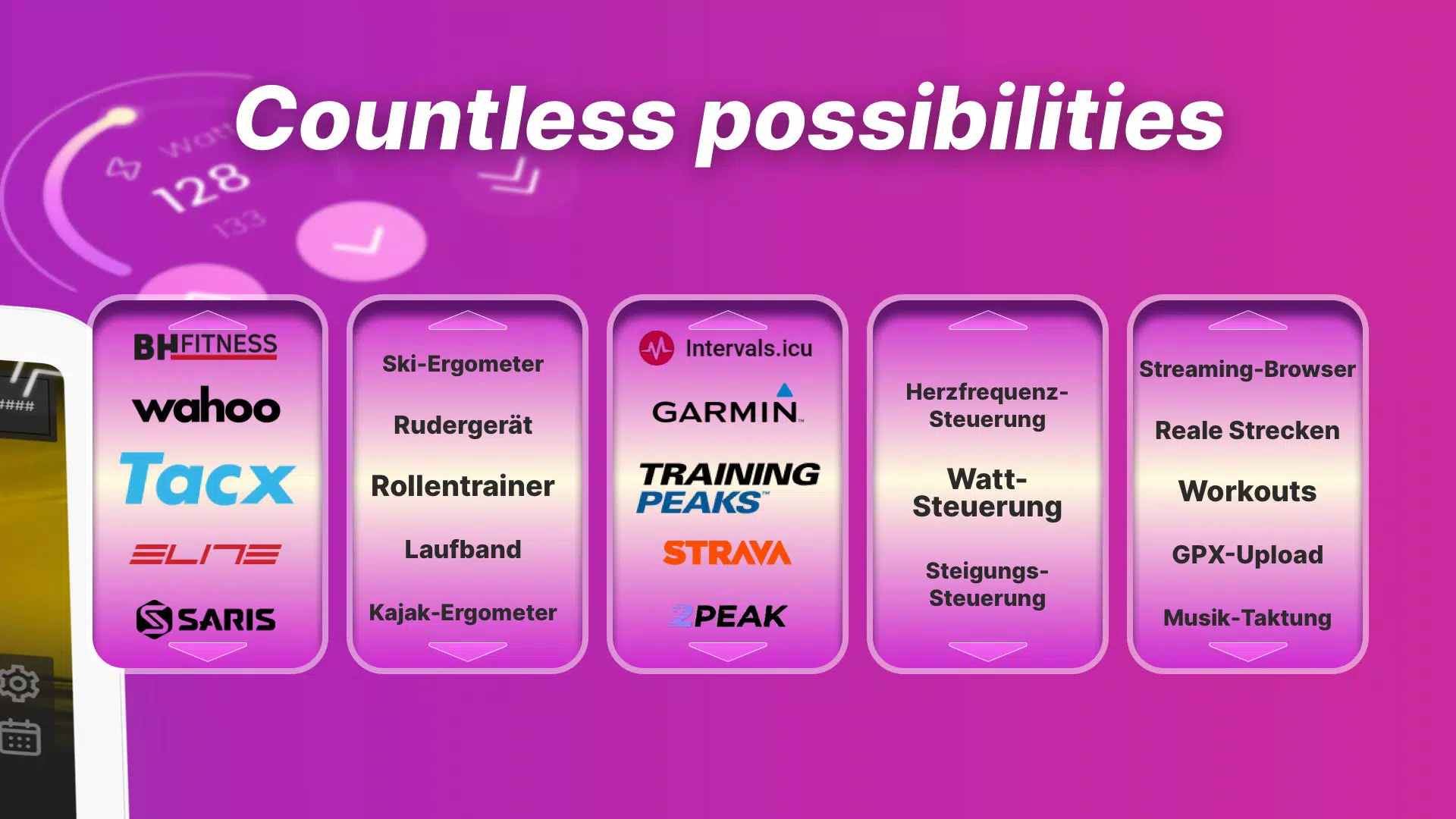
However, performance may vary depending on hardware capabilities, especially during multimedia playback or real-time resistance adjustments. No additional permissions or hardware requirements were listed. Users should verify that their cycle trainer is compatible with the app’s control protocols before installation.
Pros and Cons
Pros
- Interactive resistance adjustments enhance workout personalization and effectiveness.
- Supports dual-user training for shared fitness experiences.
- Offline functionality enables workouts without internet access.
- Comprehensive post-session analysis aids in long-term fitness tracking.
- Free to download and use, with no in-app purchase barriers.
Cons
- Platform availability limited to Android only.
- No information provided on minimum OS version or device compatibility.
- Developer did not disclose details about hardware integration requirements.
- Specific performance metrics or user ratings were not listed.
- App size, while small, may still affect low-storage devices.
FAQ
Is icTrainer available for iOS devices?
As of now, the app is only available on the Android platform. No iOS version has been announced.
Can I use icTrainer without an internet connection?
Yes, all core training functions can be used offline. You can start and complete sessions without an internet connection. However, downloading new training sessions requires an online connection.
Does icTrainer require a specific cycle trainer?
The developer did not specify which trainers are compatible. Users should check with their trainer manufacturer to confirm compatibility with the app’s control system.
Is there a cost to use icTrainer?
icTrainer is currently free to download and use. There are no in-app purchases or subscription fees mentioned.
How often are new training sessions updated?
The frequency of updates was not disclosed. New sessions are available once downloaded online, but no schedule or release pattern was provided.
Final Thoughts
icTrainer stands out as a focused, user-centric solution for indoor cycling enthusiasts seeking structure, motivation, and measurable progress. Its interactive resistance system and dual-user support make it uniquely suited for both individual and shared training environments. The ability to train offline while maintaining access to a growing library of content adds significant practical value.
While platform availability is currently limited to Android and specific technical details are not fully disclosed, the app delivers a polished and functional experience. It is particularly beneficial for users who value personalization, performance tracking, and immersive training sessions. For those committed to improving their indoor cycling performance, icTrainer offers a compelling blend of technology and engagement.
The free pricing model further enhances its accessibility. Download icTrainer now.


